Shader Graph toolkit

MK Nodes: Dissolve

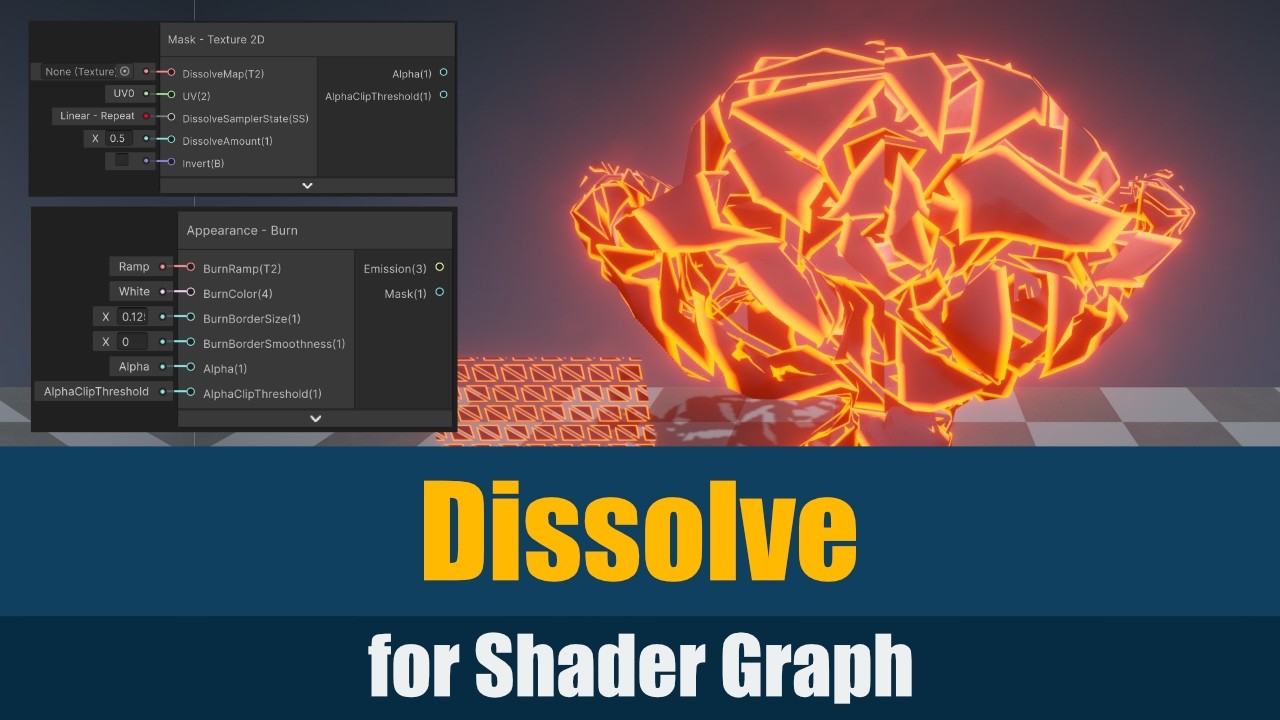
Create dissolve and disintegration effects with modular masks, modifiers, and vertex animation.

Get it on Unity Asset Store
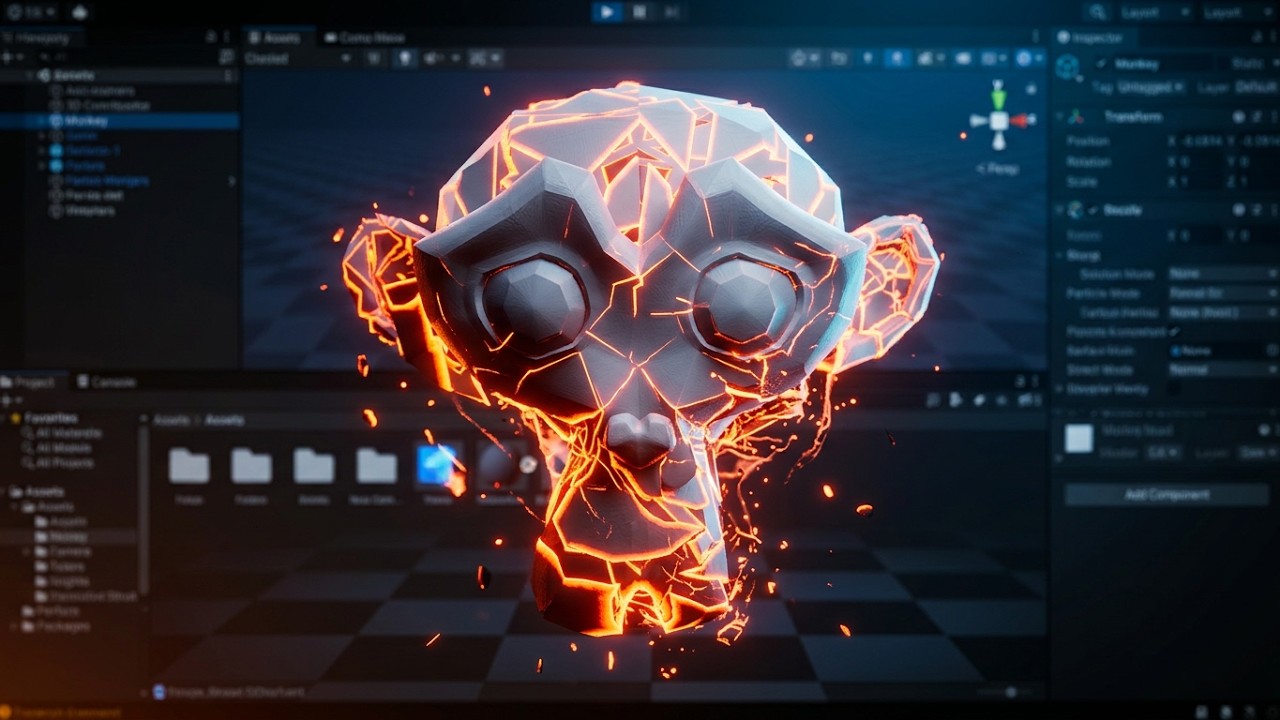
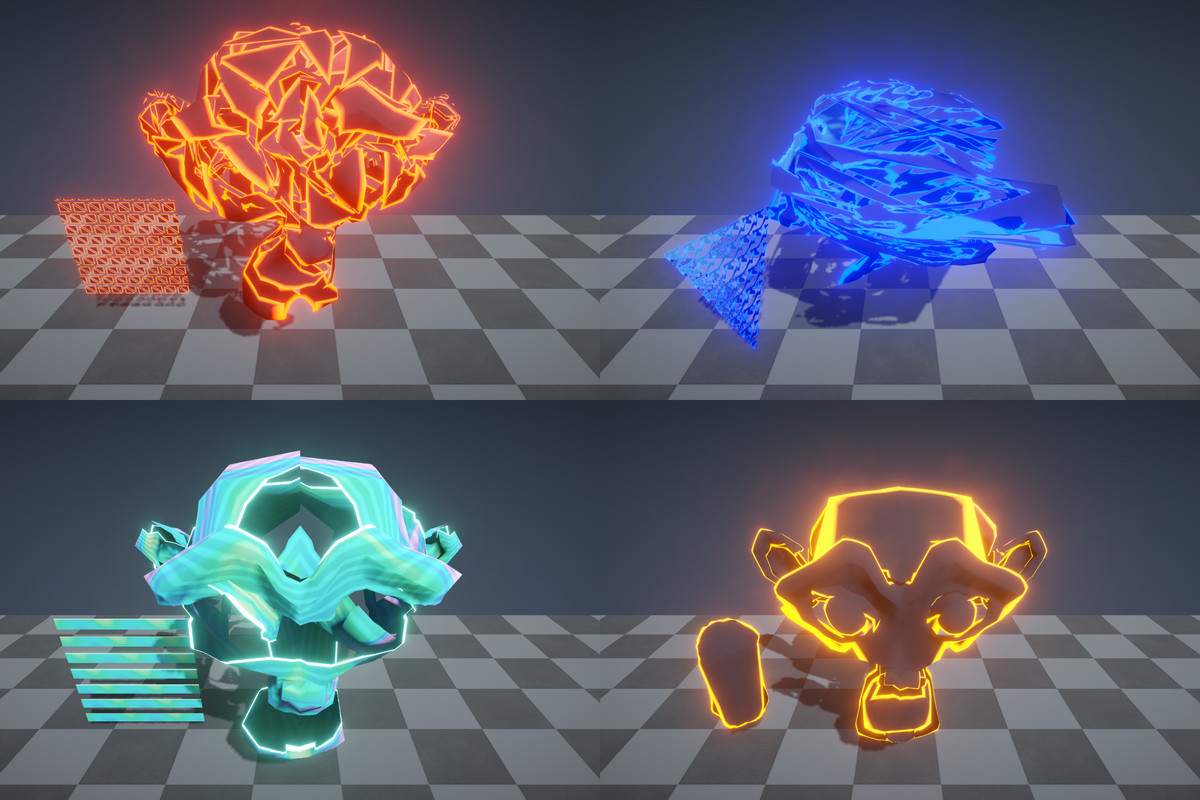
A fragmented monkey head with bright orange glowing edges.

THE IDEA

Make objects fade, break apart, or reappear.

About MK Nodes: Dissolve

MK Nodes: Dissolve gives you building blocks for making objects disappear, return, or break apart. Control the shape of the transition and the appearance of its edges, then combine the effect with the material you already want to use.

Try a burned edge, a holographic look, a glitch, or a different mix of the available effects. You can choose only the pieces you need and build the transition around your own object and art style.

Videos & screenshots
MK Nodes: Dissolve video 1YouTube
MK Nodes: Dissolve video 2YouTube
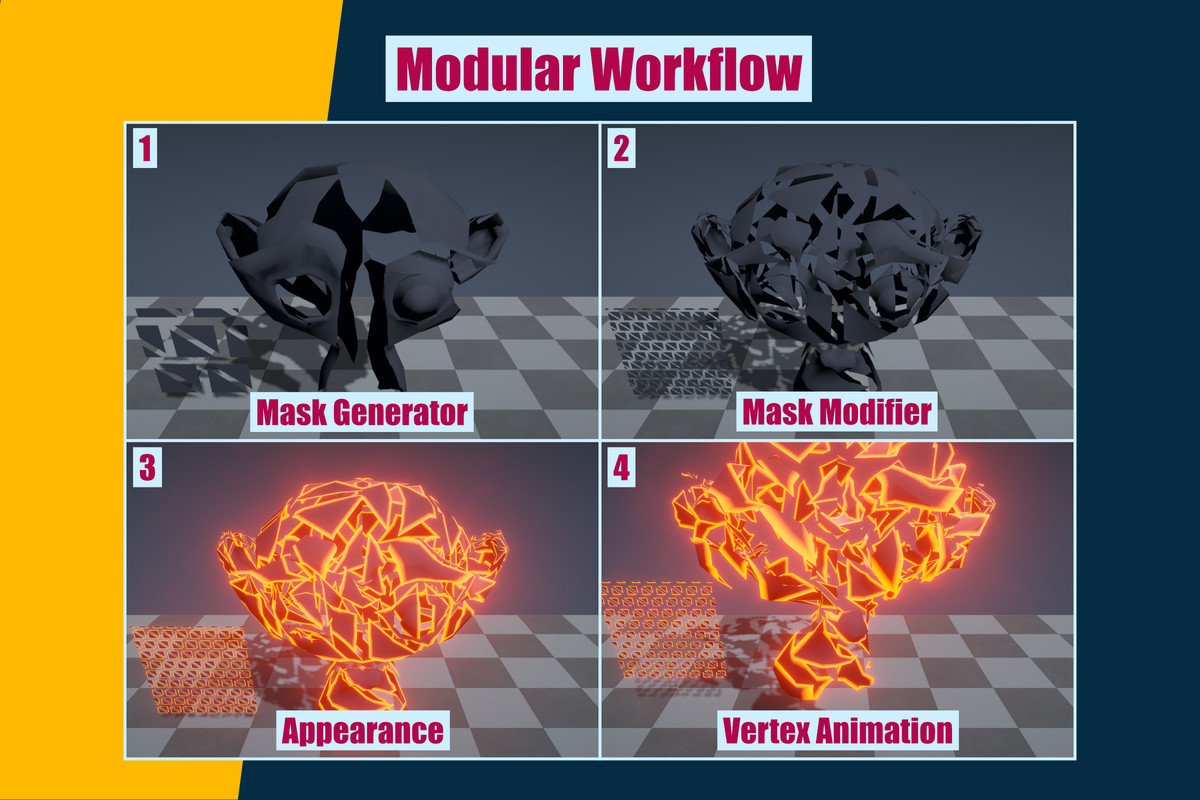
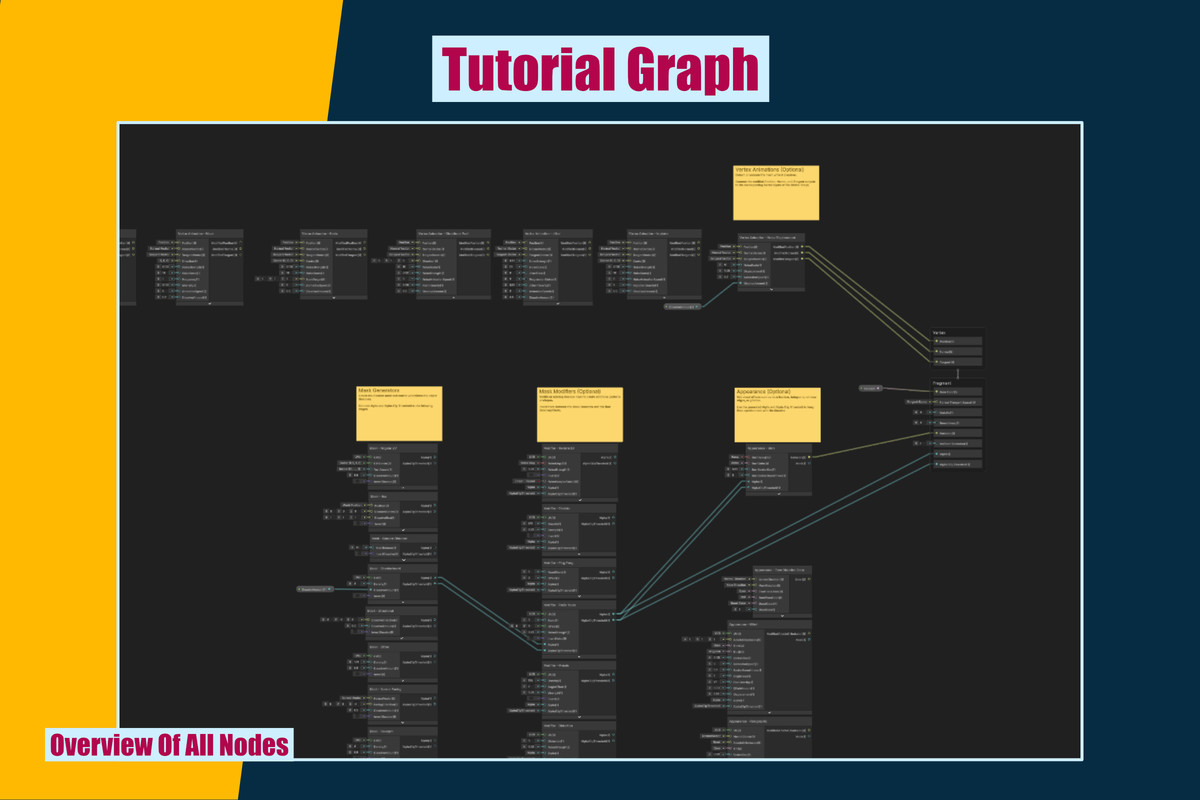
MK Nodes: Dissolve Toolkit for Shader Graph - official product screenshot 1.
MK Nodes: Dissolve - screenshot 1
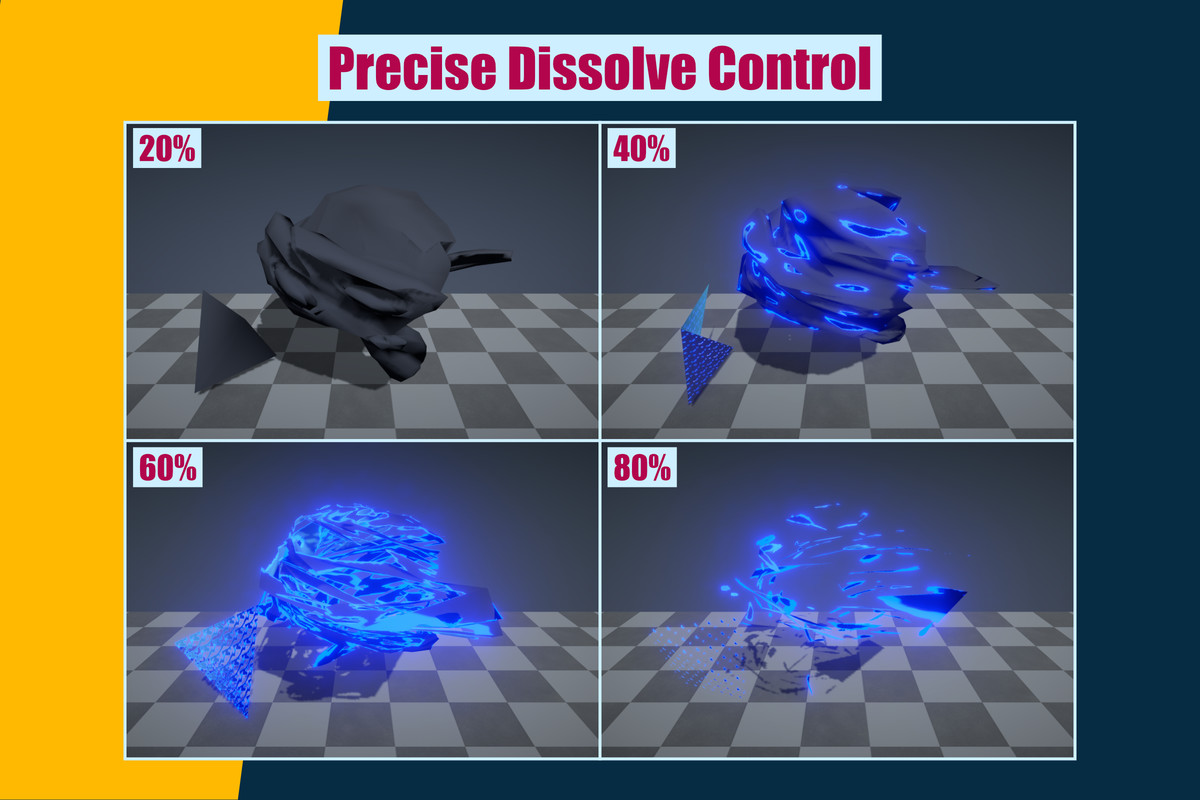
MK Nodes: Dissolve Toolkit for Shader Graph - official product screenshot 2.
MK Nodes: Dissolve - screenshot 2
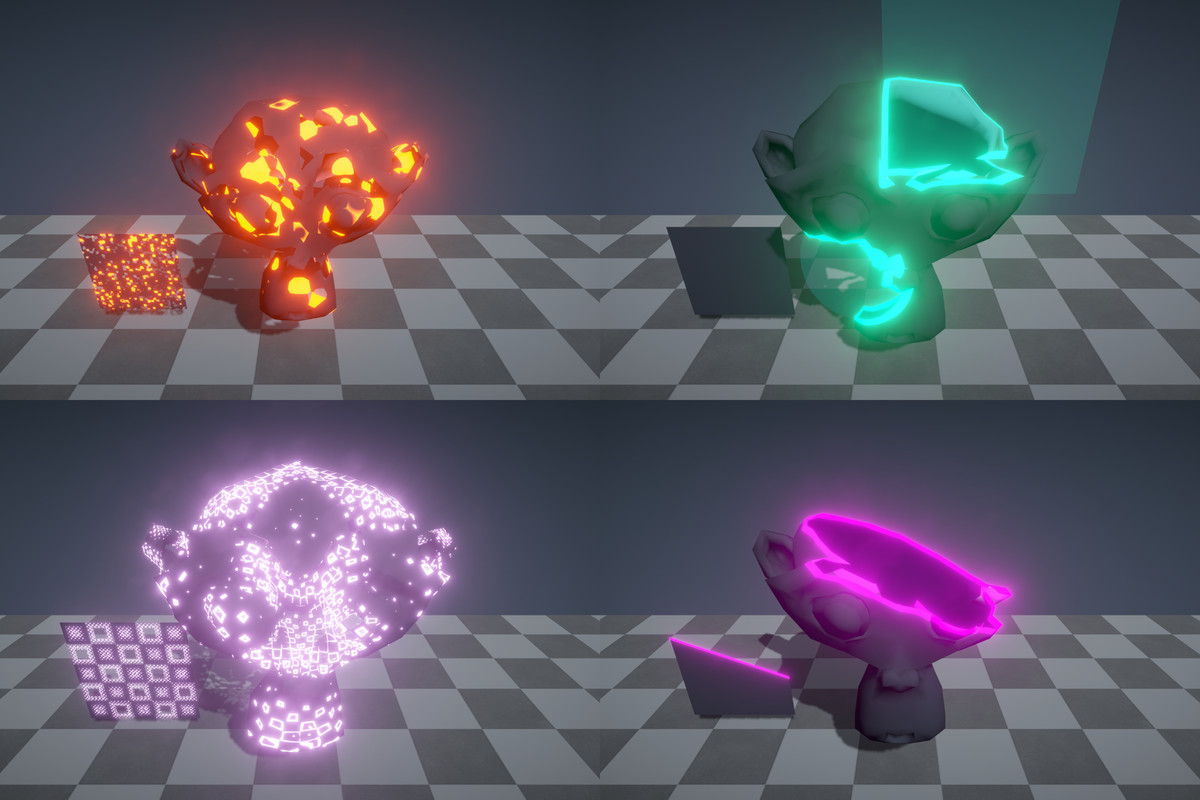
MK Nodes: Dissolve Toolkit for Shader Graph - official product screenshot 3.
MK Nodes: Dissolve - screenshot 3
MK Nodes: Dissolve Toolkit for Shader Graph - official product screenshot 4.
MK Nodes: Dissolve - screenshot 4
MK Nodes: Dissolve Toolkit for Shader Graph - official product screenshot 5.
MK Nodes: Dissolve - screenshot 5
MK Nodes: Dissolve Toolkit for Shader Graph - official product screenshot 6.
MK Nodes: Dissolve - screenshot 6
MK Nodes: Dissolve Toolkit for Shader Graph - official product screenshot 7.
MK Nodes: Dissolve - screenshot 7
MK Nodes: Dissolve Toolkit for Shader Graph - official product screenshot 8.
MK Nodes: Dissolve - screenshot 8
MK Nodes: Dissolve Toolkit for Shader Graph - official product screenshot 9.
MK Nodes: Dissolve - screenshot 9